GTPlive assistant Online
Convert audio to text online with AI. Upload recordings or browser audio, then review, edit, and export searchable transcripts in minutes.
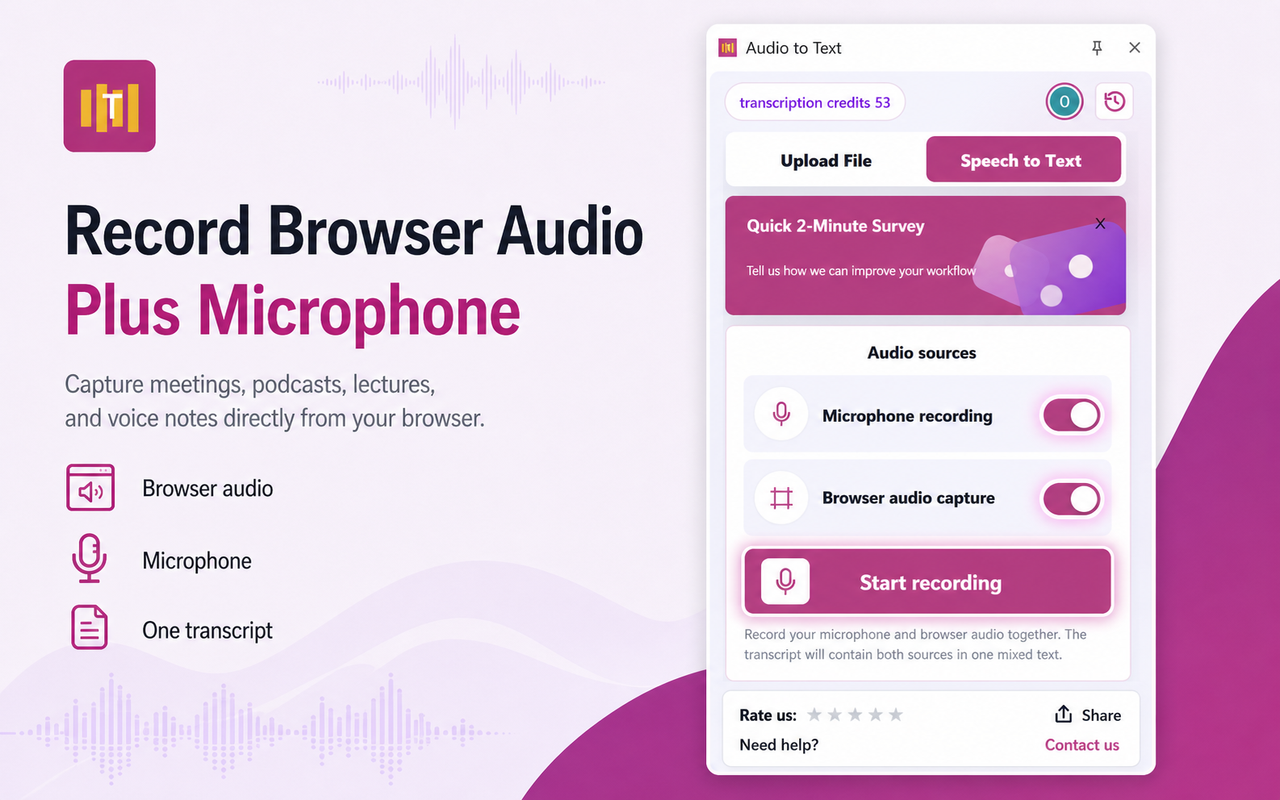
Audio sources
Browser audio works well for lessons, webinars, and video tabs.
Chrome will ask you to choose a tab and enable shared audio.
Mixed recording
Microphone and browser audio will be recorded together into one mixed audio file. The transcription text may contain both sources in the same transcript.
New
Meet the new AI Voice Call workspace
Start a light, browser-based voice session for live speaking practice, quick AI roleplay, and realtime captions that stay connected to your transcription workflow.
Why choose Audio to Text?
Upload audio and video files
Transcribe MP3, WAV, M4A, MP4, WEBM, MOV, and other common media formats from your device.
Capture browser tab audio
Record online lessons, webinars, meetings, and video playback directly from the active Chrome tab.
10+ supported languages
Let AI detect the language automatically or choose the right language yourself for cleaner results.
Speaker-separated transcripts
Turn interviews, meetings, and conversations into clearer transcripts with automatic speaker labels.
Edit, copy, and export fast
Review transcript history, copy text, download TXT, and extend selected results into Google Docs.
One balance across web and extension
Use the same credits in the website and Chrome extension so ongoing work stays in one workflow.
Screenshots
See the extension before you install it.
These product screenshots show the live interface users see in the Chrome side panel.
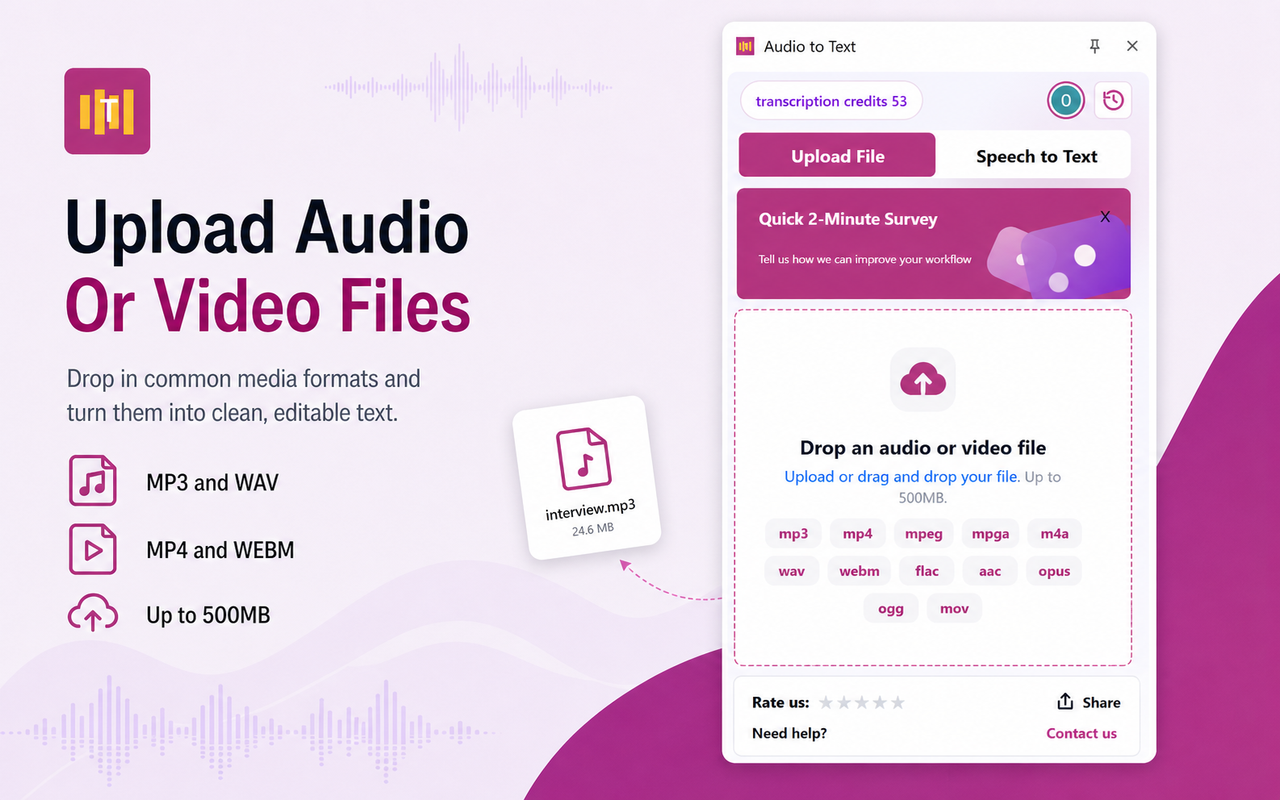
Upload audio or video files
Choose supported media formats and start a file transcription job from the side panel.
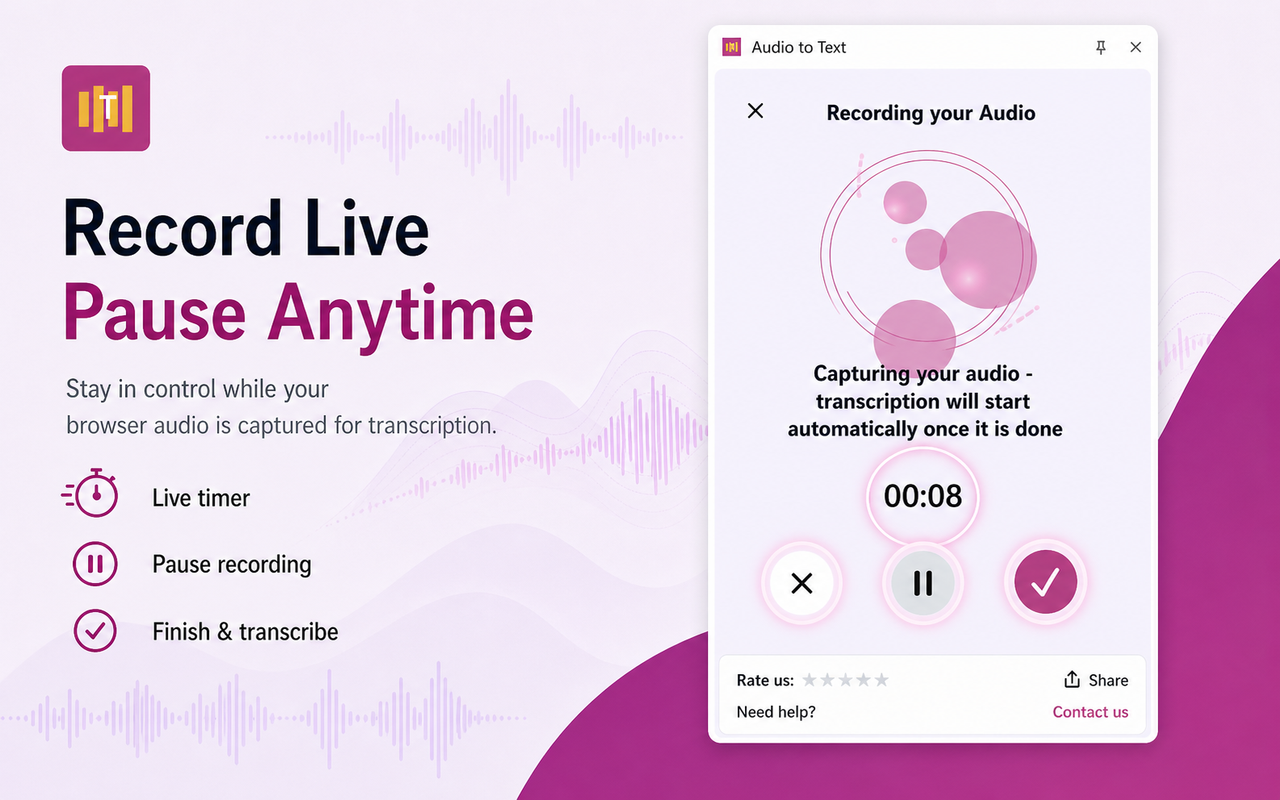
Record browser tab audio
Capture live sound from the current tab for browser-based meetings, lessons, and video playback.
Track transcription progress
Follow upload, queued, and processing states without leaving the browser workflow.
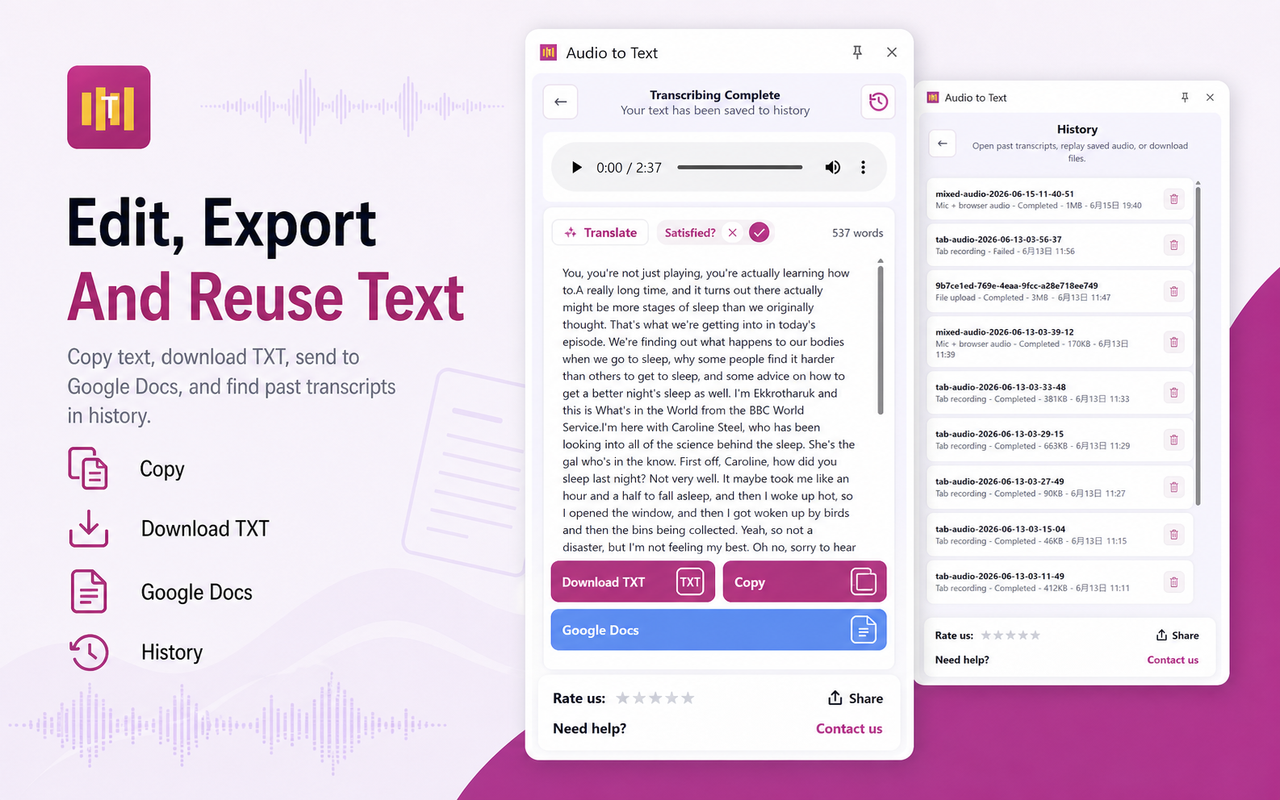
Review, copy, and export
Open local history, copy the transcript, download TXT, or export to Google Docs.
Pricing
Find the best plan for you
Start with free transcription credits, upgrade for recurring work, and use advanced modes when you need cleaner professional output.
Plans
Starter
Best for testing uploads, browser audio capture, and lightweight transcript cleanup.
Free200 minutes / 20 credits each month
Start free
- Standard transcription
- Upload audio and video files
- Browser audio capture
- Copy text, TXT download, and transcript history
Pro
For recurring research, meetings, lectures, podcasts, and content notes.
$7.99 / month1600 minutes / 160 credits per month
Ask about upgrade
- Everything in Starter
- Speaker-separated transcripts - 2x credits
- Realtime captions - 2x credits
- Word-level timestamps and Google Docs export
Pro Annually
For steady long-term use when you want the same Pro capabilities at a lower yearly cost.
$63.99 / yearSave 33%
19200 minutes / 1920 credits per year- Same advanced features as Pro
- Lower effective yearly price
- Shared website and extension balance
- Best for course archives and long-running projects
Packs
80 Credits
A small top-up for short bursts of uploads, browser audio, or transcript cleanup.
$4.99about 800 standard minutes
- Good for short bursts
- Added to the same account balance
- No subscription change required
400 Credits
A larger top-up for backlog cleanup, migration work, or a busy production month.
$19.99about 4000 standard minutes
- Better for temporary spikes
- Works on website and extension
- Keeps everything in one account
One credit covers up to 10 minutes of standard transcription. Speaker-separated transcripts and realtime captions use 2x credits.
FAQ
Common questions before you install.
Can I transcribe browser tab audio?
Yes. The extension can record sound from the active Chrome tab when you start a tab-audio session.
Can I upload video files?
Yes. The extension supports audio and video transcription workflows, including common recorded media formats.
Can I export transcripts to Google Docs?
Yes. Google Docs export is optional, and TXT download remains available if you do not want to connect Google Docs.
Is my source audio stored forever?
No. The public privacy policy explains that temporary cloud audio is deleted after processing with cleanup safeguards.